Life Q30 | Bluetooth Noise Cancelling Headphones

CA$109.99
Life Q30 | Bluetooth Noise Cancelling Headphones

Life Q30 | Bluetooth Noise Cancelling Headphones

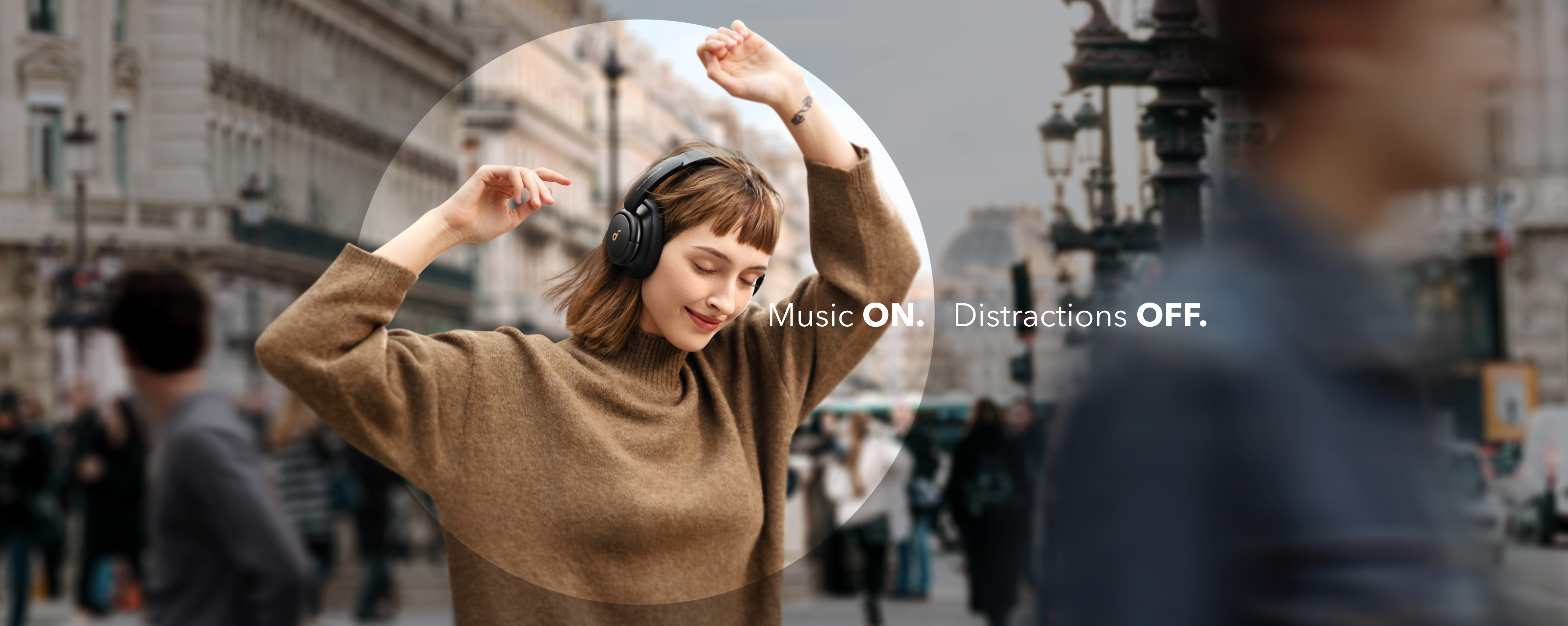
  • Advanced Noise Cancellation Technology: Maintain your focus with Life Q30’s hybrid active noise cancellation. Dual noise-detecting microphones pick up and filter out up to 95% of low-frequency ambient sound to ensure nothing distracts you from your music.
  • Ultimate Noise Cancellation Experience: Customize Life Q30’s noise cancellation with 3 modes—Transport minimizes airplane engine noise, Outdoor reduces traffic and wind, and Indoor dampens the sound of busy offices with people talking in the background.
  • Hi-Res Music: Hear every detail of your favorite songs thanks to Life Q30’s 40mm drivers. The highly-flexible silk diaphragms reproduce thumping bass and crisp treble that extends up to 40kHz for improved clarity.
  • 40-Hour Playtime: Life Q30 active noise cancelling headphones play up to 40 hours of music in noise cancelling mode. Standard mode extends the playtime to 60 hours, while a short 5-minute charge gives you 4 hours of listening.
  • Pressure-Free Comfort: Life Q30 active noise cancelling headphones have ultra-soft protein leather earcups with memory foam padding to fit snugly over your ears. The lightweight build also ensures they’re comfortable for long listening sessions. 
  • TCO Certified: For Better Sustainability.
  • Note: ANC is not compatible with an AUX Cable connection.
undefined

Exclusive Member BenefitsJoin Now
30-Day Price Match
Service and Benefits
Fast, Free Shipping
Hassle-Free Warranty
30-Day Money-Back Guarantee
Lifetime Customer Support

Payment Methods

Delivery Methods

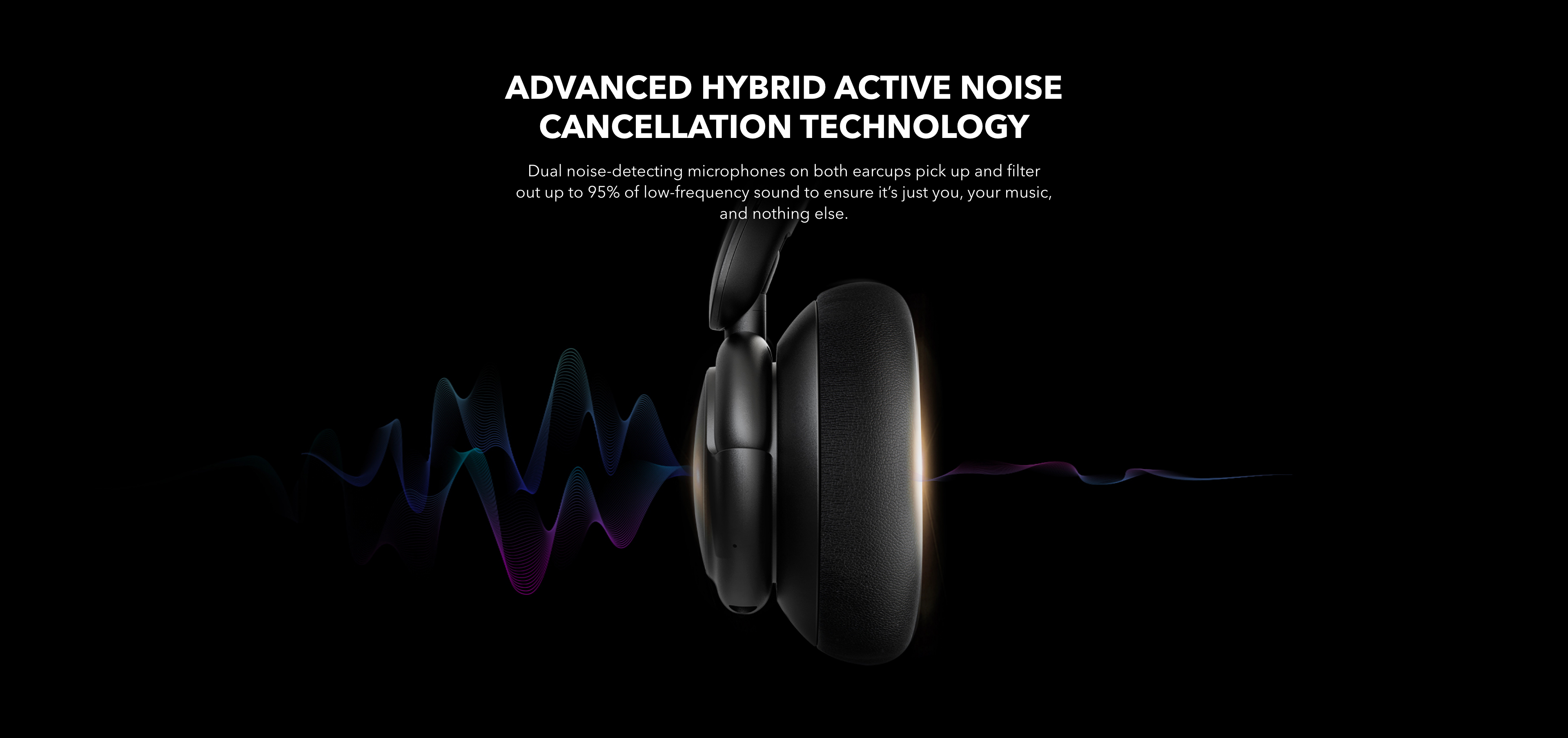
Advanced Hybrid Active Noise Cancellation Technology Dual noise-detecting microphones on both earcups pick up and filter out up to 95% of low-frequency sound to ensure it’s just you, your music, and nothing else.
With Multiple Modes
Download the soundcore app to experience Life Q30’s noise cancellation modes. Each one has been tailored to target and cancel out sounds found in different environments—ensuring you’ll always enjoy distraction-free listening wherever you go. Outdoor mode tunes out the sound of traffic and wind, Transport mode block out engine noise on planes and trains, and Indoor mode reduces the sound of people chatting in the background.
With Multiple Modes
Download the soundcore app to experience Life Q30’s noise cancellation modes. Each one has been tailored to target and cancel out sounds found in different environments—ensuring you’ll always enjoy distraction-free listening wherever you go. Outdoor mode tunes out the sound of traffic and wind, Transport mode block out engine noise on planes and trains, and Indoor mode reduces the sound of people chatting in the background.
With Multiple Modes
Download the soundcore app to experience Life Q30’s noise cancellation modes. Each one has been tailored to target and cancel out sounds found in different environments—ensuring you’ll always enjoy distraction-free listening wherever you go. Outdoor mode tunes out the sound of traffic and wind, Transport mode block out engine noise on planes and trains, and Indoor mode reduces the sound of people chatting in the background.
Certified Hi-Res Audio
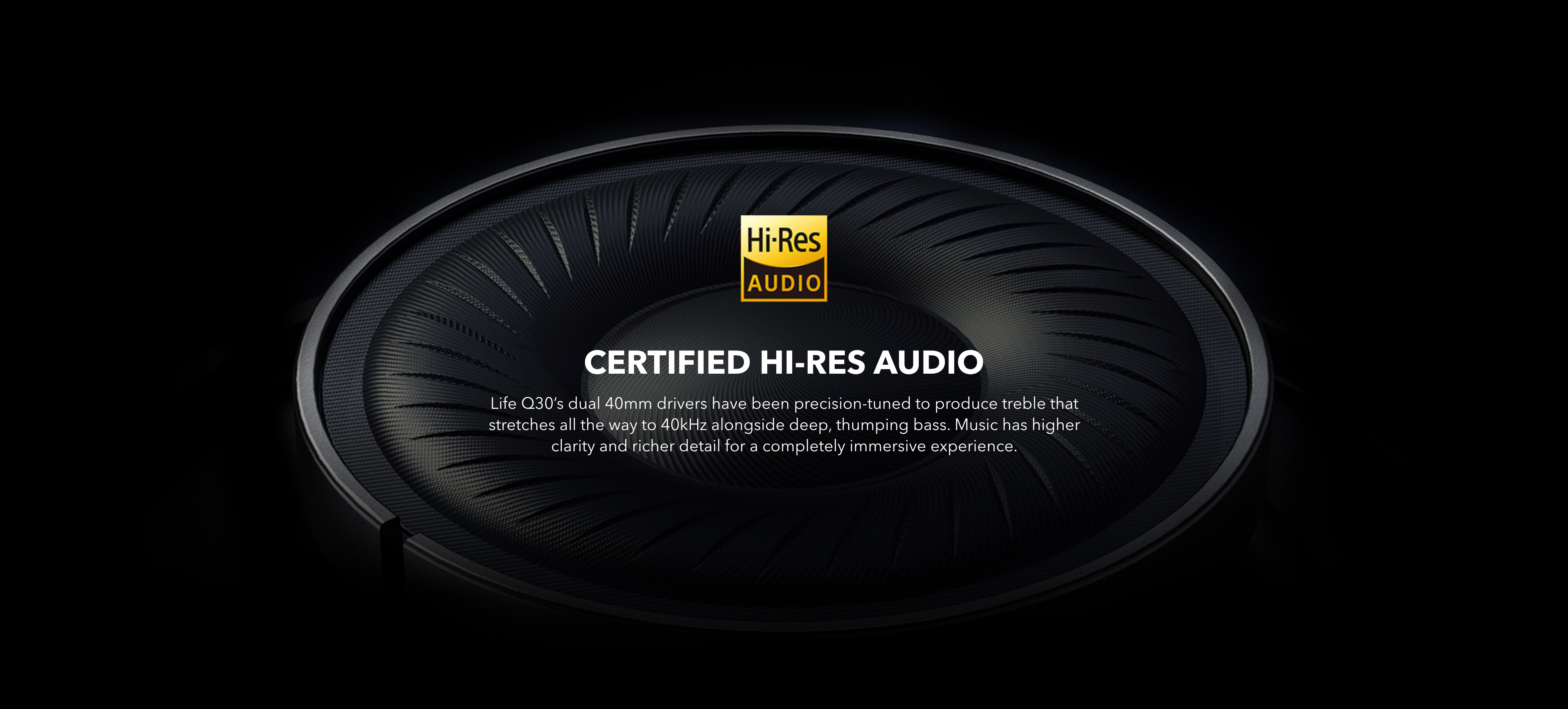
Life Q30’s dual 40mm drivers have been precision-tuned to produce treble that stretches all the way to 40kHz alongside deep, thumping bass. The music has higher clarity and richer detail for a completely immersive experience.
Certified Hi-Res Audio
Life Q30’s dual 40mm drivers have been precision-tuned to produce treble that stretches all the way to 40kHz alongside deep, thumping bass. The music has higher clarity and richer detail for a completely immersive experience.
Pressure-Free Comfort
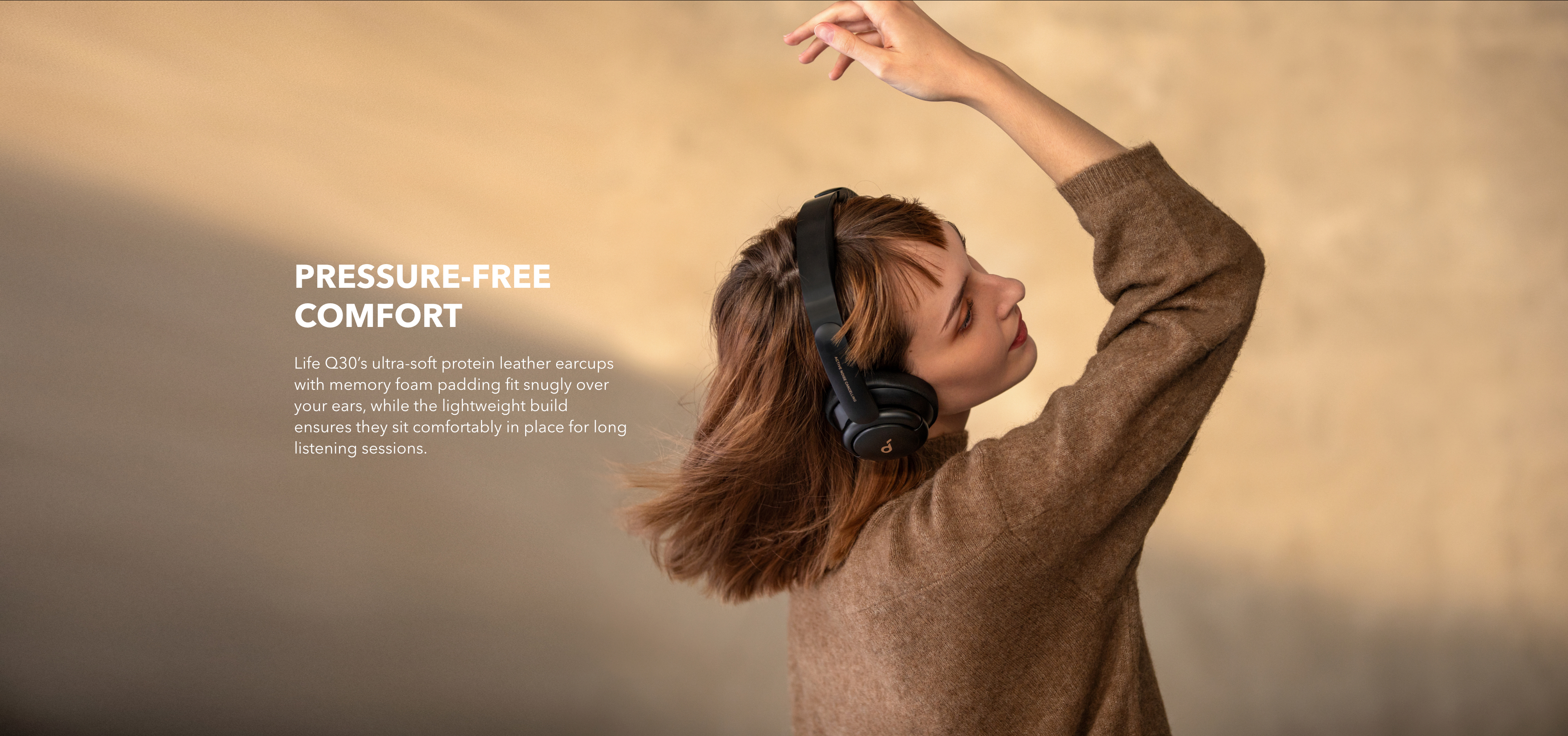
Life Q30’s ultra-soft protein leather earcups with memory foam padding fit snugly over your ears, while the lightweight build ensures they sit comfortably in place for long listening sessions.
Pressure-Free Comfort
Life Q30’s ultra-soft protein leather earcups with memory foam padding fit snugly over your ears, while the lightweight build ensures they sit comfortably in place for long listening sessions.
Specs

Playtime

60H/40H

Sound

Robust Bass, 40mm Silk Drivers

Active Noise Cancellation

Hybrid ANC with Multi-Modes

Fast Charging

5 Mins = 4H

Calls

2 Mics

Multipoint Connection

true

Customized EQ

true

Weight

260g

Special Features

Travel Pouch, AUX

Product

Category

Playtime

Sound

Water Resistance

Active Noise Cancellation

Fast Charging

Calls

Multipoint Connection

Customized EQ

Weight

Special Features

Design

Control

FAQ

No.

About 2 hours.

- Playtime with ANC Off: 60 hours at 60% volume.
- Playtime with ANC On: 40 hours at 60% volume.
- A 5-minute charge gives you 4 hours of listening.

Try using a different charging cable and a certified wall charger with at least a 5V 1A output. If you are using a charger or USB port with a low output, Life Q30 may not charge correctly.

Life Q30 supports SBC and AAC.

- Long press the power button and volume + button for 5 seconds.
- You will see a pink light flash twice, and then a blue light will flash quickly to show Life Q30 has entered into pairing mode.

1. Forget the pairing record on your device, turn off Bluetooth and turn it on again.
2. Reset Life Q30 by long pressing the power button and volume + button for 5 seconds.
3. Try to pair Life Q30 with another device.

Life Q30 will automatically connect to the last paired device when turned on. If you would like to pair it with a different device, use one of the following methods:

- Turn off Bluetooth on the device you were connected to so that Life Q30 enters pairing mode. Then connect to the second device via Bluetooth.
- If you prefer not to turn off Bluetooth on the first device, double press the power button to make Life Q30 re-enter pairing mode, and find Life Q30 in the second device's list of available Bluetooth devices.

Yes. When connecting the first device, double press the power button to make Life Q30 re-enter pairing mode and find it in the second device's list of available Bluetooth devices. If the second device does not connect within 2 minutes, Life Q30 will exit pairing mode and remain connected to the first device.

- Try to avoid interference from your surroundings, other Bluetooth connections, and Wi-Fi. Some environments with cell phone towers or areas with dense Wi-Fi networks and other transmitting devices can interfere with your Bluetooth connection.
- Reset your Bluetooth connection by turning off your device's Bluetooth for at least 10 seconds, then turn back on.
- Reset Life Q30 by long pressing the power button and volume + button for 5 seconds.
- Try to connect to another device to see if there is any difference.

- Reset Life Q30 by long pressing the power button and volume + button for 5 seconds.
- Try to connect to another device to see if there is any difference.

- Make sure you are wearing the headphones correctly to ensure the microphone is facing towards your mouth.
- ""Forget"" Life Q30 in your device's Bluetooth history and reset the headphones by long pressing the power button and volume + button for 5 seconds, then pair again to test.
- Try connecting Life Q30 with another Bluetooth device to see if the problem persists.

There is no microphone on the supplied AUX cable, but you can use the microphone on the connected device while using Life Q30 in AUX mode.

- Yes. You can find it in Life Series section of the app.
- In the soundcore app, you can select a noise cancellation mode, choose from 22 EQ presets or customize your own, and tailor your own white noise soundscape for when you need to rest.

- When you turn on the headset, ANC turns on automatically.
- Press the ANC button to switch between the modes.

- Put your palm on the right earcup for 1-2 seconds until you hear the notification tone. Repeat the action to exit Transparency mode.
Or
- Short press the NC button to switch between modes.

Note: Life Q30 will not automatically enter Transparency mode after turning on.

- Tap your Android phone on the right earcup to connect when Life Q30 is turned on and no other devices are connected.

If there is already one device connected:
- Tap another Android phone on the right earcup to connect via NFC.
If there are two devices connected:
- Tap another Android phone on the right earcup.
- Life Q30 will disconnect from the first connected device and connect to this Android phone via NFC.

- If the device connected has NFC, you can tap it on the right earcup again to disconnect.

Note:
NFC does not work in AUX mode.

1. Make sure the device you are trying to connect supports NFC.
2. The NFC chip's position is located around the soundcore logo on the right earcup so ensure you're tapping the phone on that area.
3. Upgrade the firmware of both your device and Life Q30 to make sure you're using the latest version.
4. When Life Q30 turns on, make sure there is a flashing blue light which turns off after you pair your phone via NFC.

Long press the play/pause button for 1 second.

1. Use the Life Q30 regularly to avoid over-discharge which can harm the lifespan of their battery. We recommend using them at least once a month.
2. Charge the earbuds after you use them. In order to improve the battery’s lifespan, do not always wait until there's 20% or less power remaining to charge them.
3. If Life Q30 comes into contact with liquid, use a hairdryer on the 'cool' setting to dry them.
4. Clean the headband and ear cushions with a cotton cloth.
5. Avoid irreversible damage to the headset caused by excessive external forces.

The product must not be disposed of in your household waste, and should be delivered to an appropriate collection facility for recycling. Follow local rules and never dispose of old products and rechargeable batteries in your normal household waste. Correct disposal of old products and rechargeable batteries helps prevent negative consequences for the environment and human health. Please note that the battery should only be removed by professional engineers. You are welcomed to contact us at service@soundcore.com if you have any questions.

Downloads