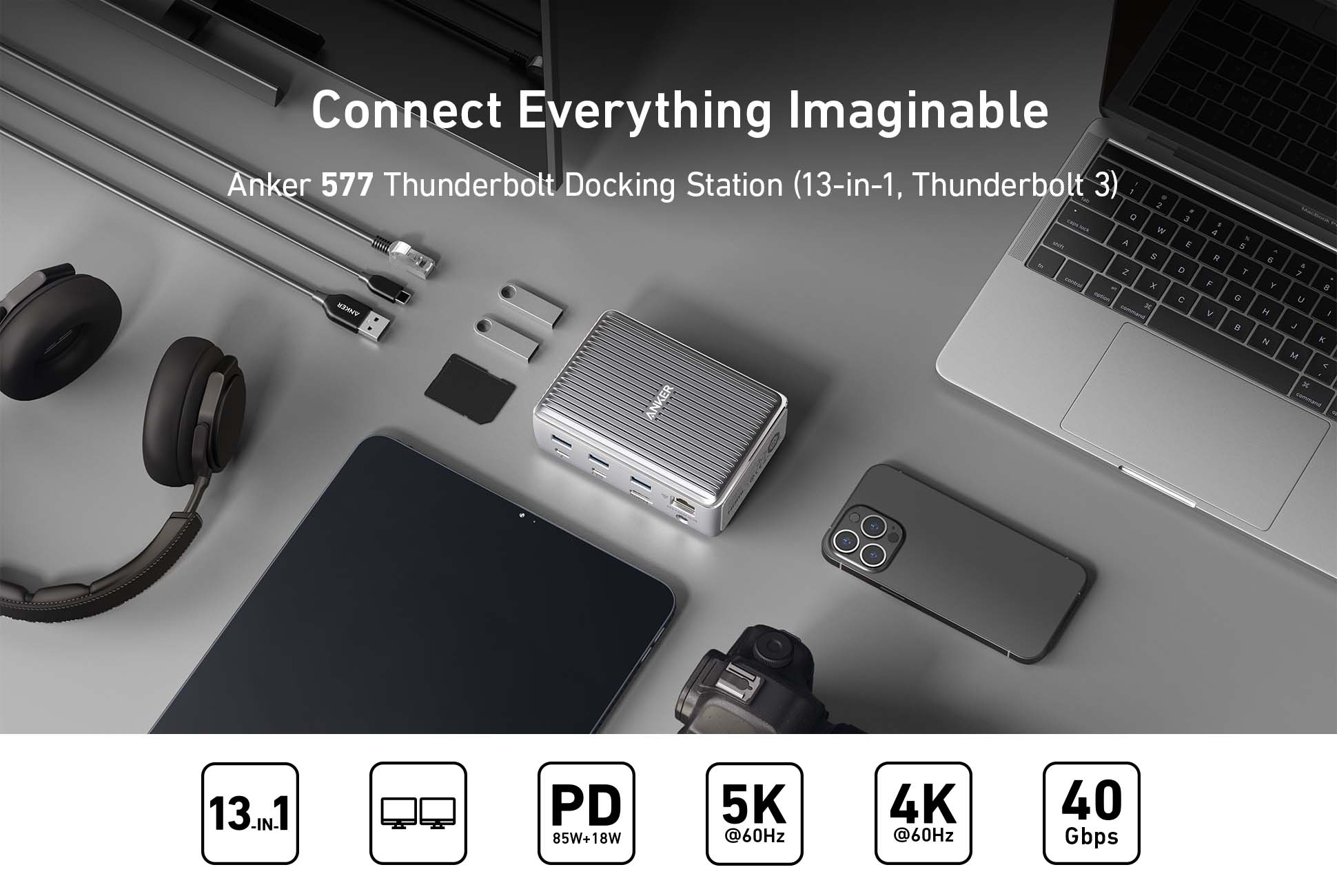
Model Number: A8396
Anker 577 Thunderbolt Docking Station (13-in-1, Thunderbolt 3)
Connect Everything Imaginable
What’s in The Box:
Anker 577 Thunderbolt Docking Station (13-in-1, Thunderbolt 3), 180W Power Adapter, Thunderbolt 3 Cable (2.3 ft), Welcome Guide.
Dimensions and Weight
Dimensions: 125.8 × 88.5 × 41.9 mm / 4.9 × 3.5 × 1.6 in
Weight: 490 g / 17.3 oz
Notes:
The cable connected to your laptop must be a Thunderbolt 3 cable.
*The Adopted Trademarks HDMI, HDMI High-Definition Multimedia Interface, and the HDMI Logo are trademarks or registered trademarks of HDMI Licensing Administrator, Inc. in the United States and other countries.
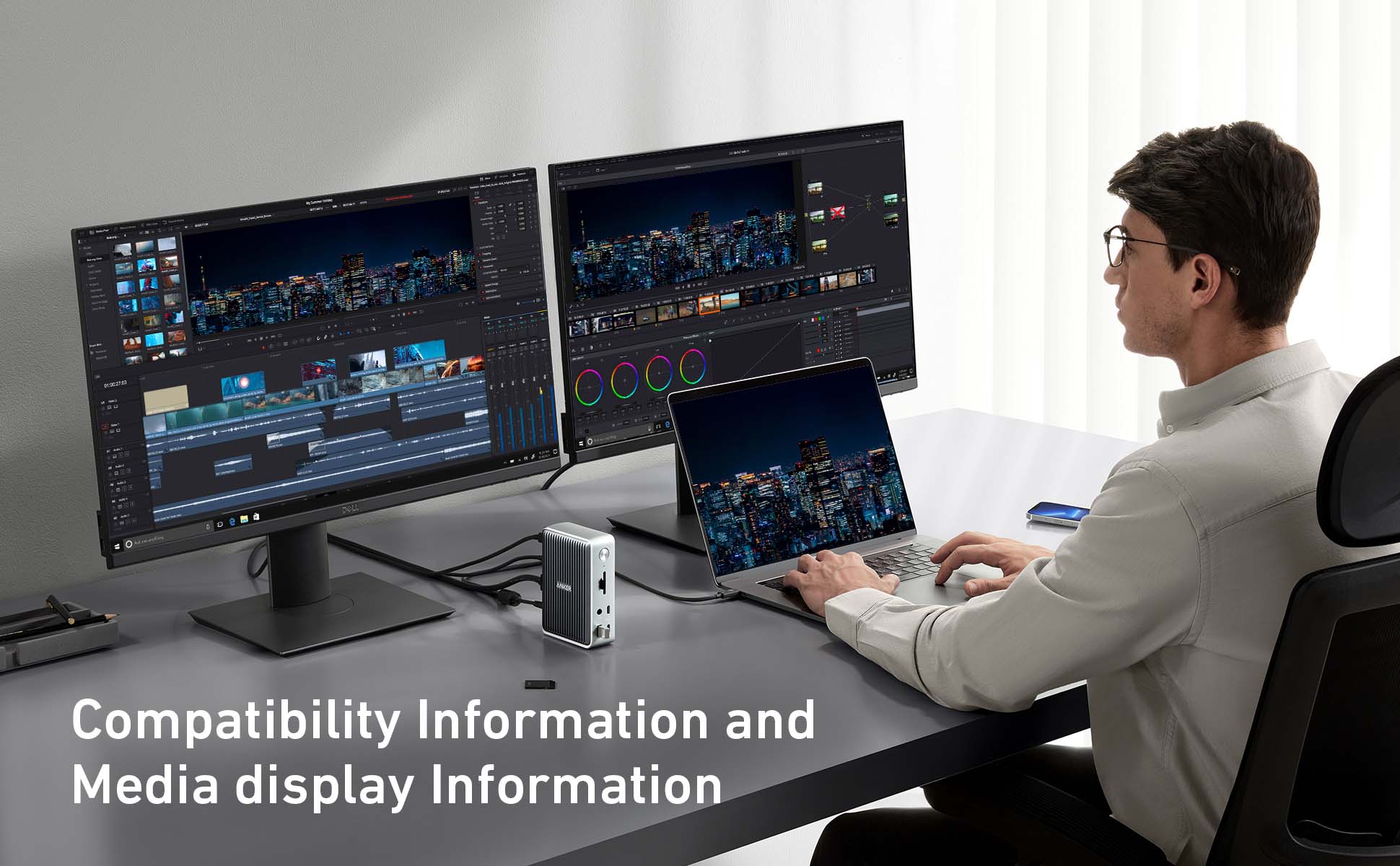
Compatibility Information
Host Requirements:
- Thunderbolt Laptops
- Non-M1 MacBooks
Supported Operating Systems:
- macOS 10.12 or later, Windows 8 / 10 / 11
- Does not support Linux or Chrome OS
Media Display Information
When connected to a single monitor:
- 5K (5120×2880@60Hz) via the Thunderbolt 3 downstream port;
- 4K (3840×2160@60Hz) via the HDMI port.
When connected to dual monitors:
- 4K (3840x2160@60Hz) via the Thunderbolt 3 downstream port and HDMI port.
Note: For MacBooks with an M1 chip, Anker 577 Thunderbolt Docking Station (13-in-1, Thunderbolt 3) can not connect to two monitors at the same time.
Charging Information
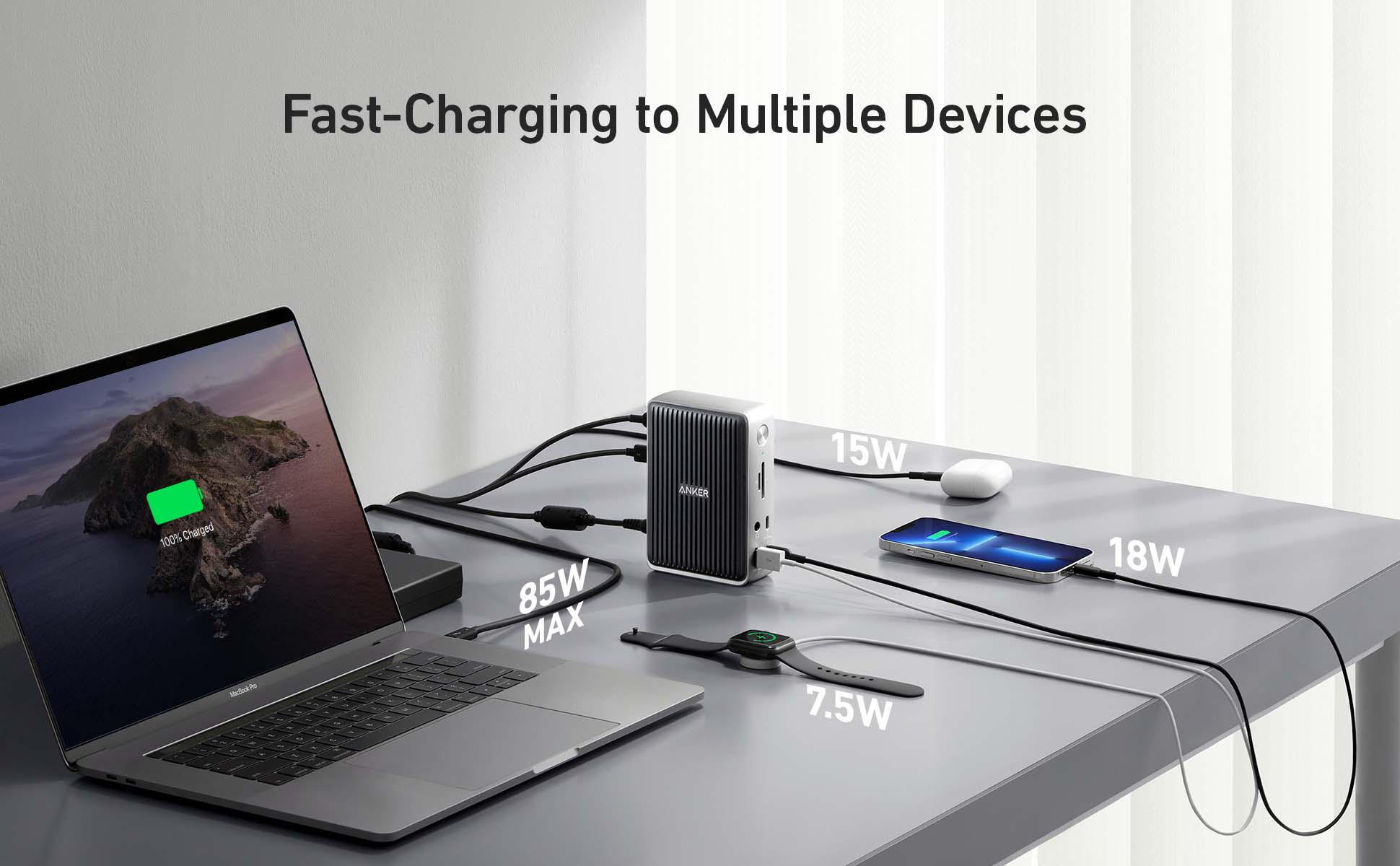
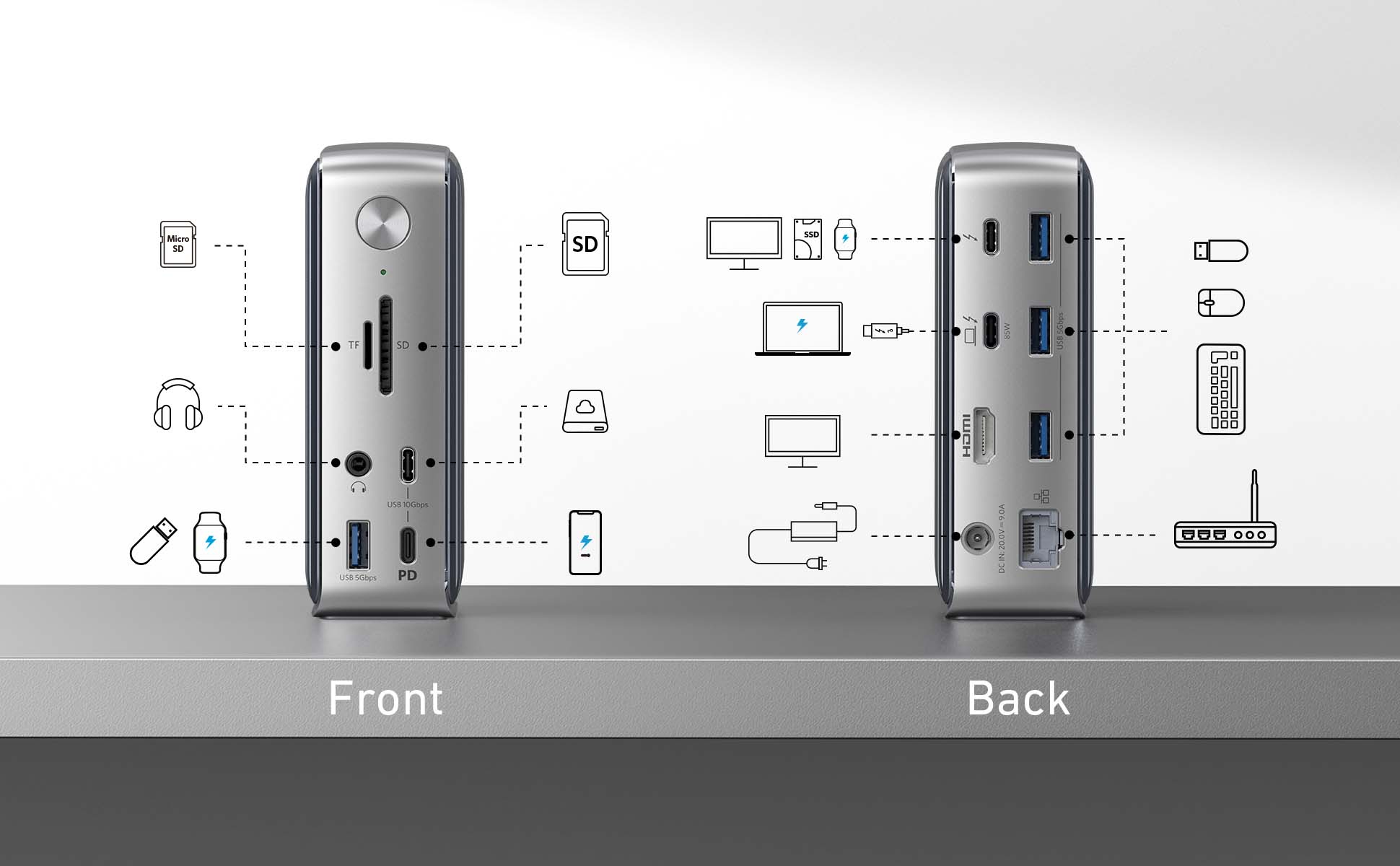
This dock supports up to 85W of charging via the Thunderbolt upstream port on the back of the dock (indicated by a laptop symbol). The USB-C Power Delivery port (indicated by “PD”) and the Thunderbolt downstream port (indicated by a thunderbolt symbol) support 18W and 15W fast charging for your phone or tablet. The USB-A 3.0 port on the front supports 7.5W to charge smaller devices like smartwatches or headphones. The three USB-A data ports on the back of the dock do not support charging.
Frequently Asked Questions
Q1: Can I use my own USB-C cable to connect the dock to my laptop?
A: It’s recommended that you use the included Thunderbolt 3 cable. If you need to use a different cable (due to loss etc.), then another Thunderbolt 3 cable would also be compatible.
Q2: Do I need to install any drivers to use the dock?
A: No.
Q3: How can I deal with screen drop, black screen, or screen flickering issues when connecting to an external monitor?
A: After the dock has just been connected to the external monitor, it's normal for there to be some degree of flickering. It should go away in a few seconds. If this problem persists, try lowering the resolution.
If you experience any screen issues after waking up your laptop, restart the dock.
If your laptop or the docking station has not been shut down for a long time and you’re experiencing screen issues, please restart the dock.
Q4: Sometimes the dock doesn’t automatically reconnect after I wake up or restart my laptop. What should I do?
A: This situation doesn’t happen very often, but if you are having this problem, try disconnecting and reconnecting the Thunderbolt 3 cable or restarting the dock.
Q5: Why does the dock feel warm?
A: When charging or transferring data at high speed, the dock’s temperature may increase. This heat is dissipated through the aluminum exterior, so it may feel warm to the touch. Don't worry, this is within normal limits. To avoid excessive heat, make sure not to place any objects on top of the dock or to cover the dock with anything while you’re using it.


