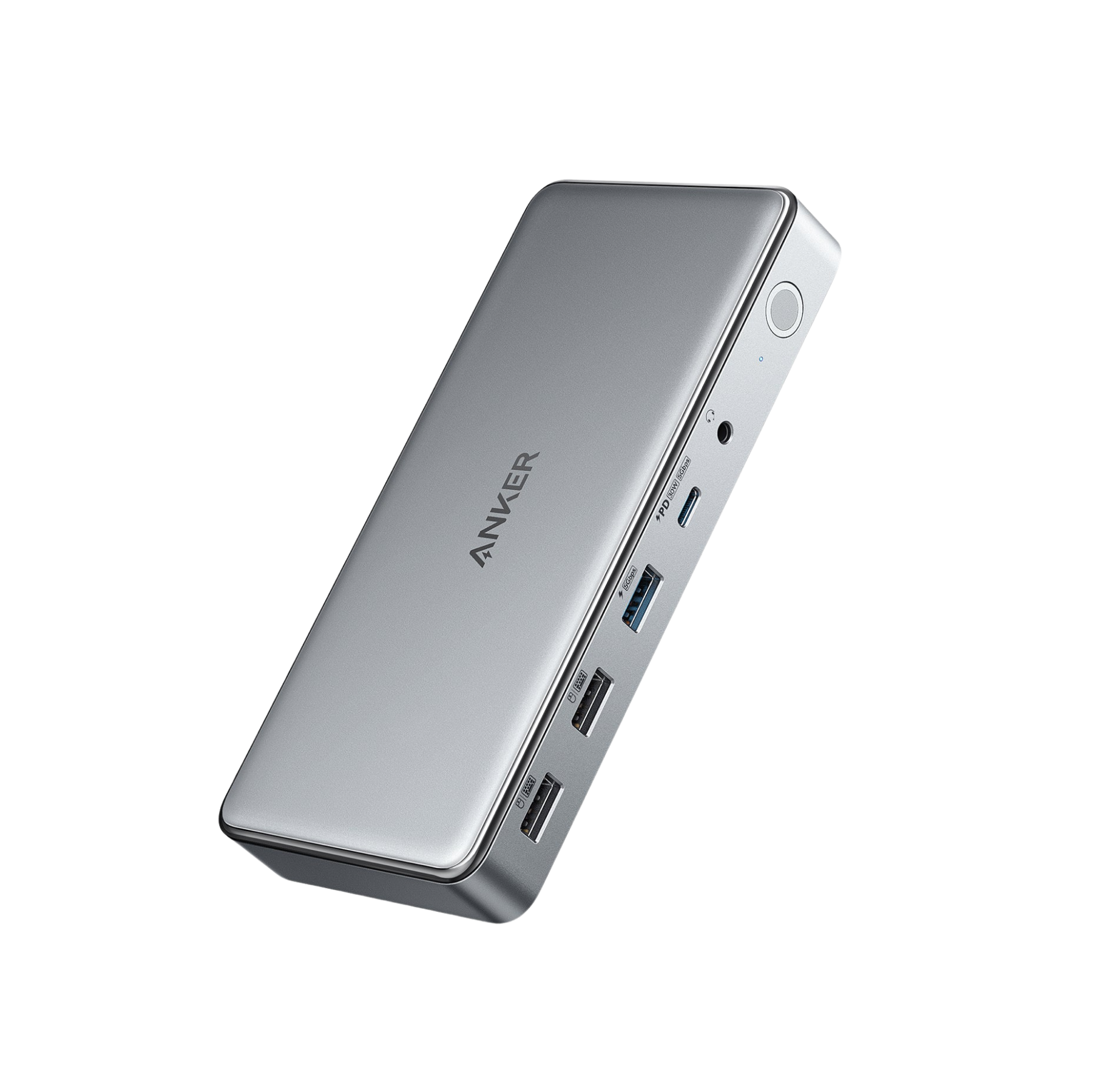


Anker 563 USB-C Docking Station (10-in-1)
- Port Specification: 1 × PD IN Charging for laptopUp to 100W Dynamic Power 1 × 4K HDMI 1 × 2K HDMI 1 × 2K DP 1 × USB A 3.1 Gen 1(5Gbps, 5V / 0.9A) 2 × USB A 2.0(480Mbps, 5V / 0.5A) 1 × USB C 3.1 Gen 1(5Gbps, 30W)1 × Ethernet port1Gbps1 × Audio3.5mm (Combo Audio in and out 96KHz, 24bit)
- Display Port (HDMI / HDR / HDCP): HDMI 2.0 / N / N
- Data Transfer(Max): 5Gbps/ 480 Mbps × 2
- Compatibility: macOS 10.14 or later, Windows 7 / 8 / 10 / 11

- (In Stock) Estimated delivery in 3 - 7 business days.

Anker 563 features the latest DisplayLink technology to connect your laptop with up to 3 monitors.

Get More From Your MacBook
A total of 10 ports let you access triple-monitor display, high-speed file transfer, powerful charging, USB connectivity, Ethernet, and audio connectivity—all from just one dock.


Media Display Information
When connected to a single monitor: 4K@30Hz via the 1st HDMI port, 2K@50Hz via the 2nd HDMI port, 2K@60Hz via the DisplayPort.
When connected to two monitors: 4K@30Hz + 2K@50Hz (via both HDMI ports); 4K@30Hz + 2K@60Hz (via the 1st HDMI port and the DisplayPort); 2048×1152@60Hz + 2048×1152@60Hz (via the 2nd HDMI port and the DisplayPort.
When connected to three monitors: 4K@30Hz (HDMI) + 2048×1152@60Hz (HDMI) + 2048×1152@60Hz (DisplayPort).
Note: 2K monitors that do not support 2048×1152 will usually automatically switch to 1920x1080.
Note: The HDMI (2K) port and the DisplayPort (2K) do not support the HDCP, and cannot play HDCP content, including some Netflix and YouTube paid content. When using the above ports to play HDCP content, the video may not be played, the screen may turn black, the video resolution may be greatly reduced, and some other problems may occur.
Compatibility Information
Host Requirements:
The host device must support Power Delivery and DisplayPort Alt Mode.
Supported Operating Systems:
macOS 10.14 or later, Windows 7/ 8 / 10 / 11

High-Speed Charging
Power up your MacBook Air in less than 2.5 hours with the USB-C upstream port, connect to the USB-C Power Delivery port to give your iPhone 13 Pro a full charge in just over 1.5 hours, and use the 7.5W USB-A port to charge smaller devices like headphones and smartwatches.

FAQ
1. What should I do if I experience display issues when using the 2K DisplayPort with macOS 13?
2. After updating to macOS Ventura, my MacBook Air cannot detect the dock, and the function port does not work.
3. Why are the 2K ports (HDMI/DisplayPort) not working?
The World's No. 1 Mobile Charging Brand*

200 Million+
200 Million + Global Customers

146 Markets
Available in 146 Markets

14 Years of Innovation
Pioneering in Charging Technology for 14 Years

- *Pay immediately or installments with Affirm. Rates from 0-36% APR. Payment options through Affirm are subject to an eligibility check and are provided by these lending partners: affirm.com/lenders. Options depend on your purchase amount, and a down payment may be required. CA residents: Loans by Affirm Loan Services, LLC are made or arranged pursuant to a California Finance Lenders Law license. For licenses and disclosures, see affirm.com/licenses. For example, an $800 purchase could be split into 12 monthly payments of $72.21 at 15% APR or 4 interest free payments of $200 every 2 weeks.